| Support Category: CPE/CLE Issue; Issue Accessing Support |
| Specialist Notes: |
The PCS Team has notified us about both the My CPE/CLE Training Detail List "Reporting Dashboard" & Live Support pages not loading or partially loading – see image of reporting dashboard partially loading.
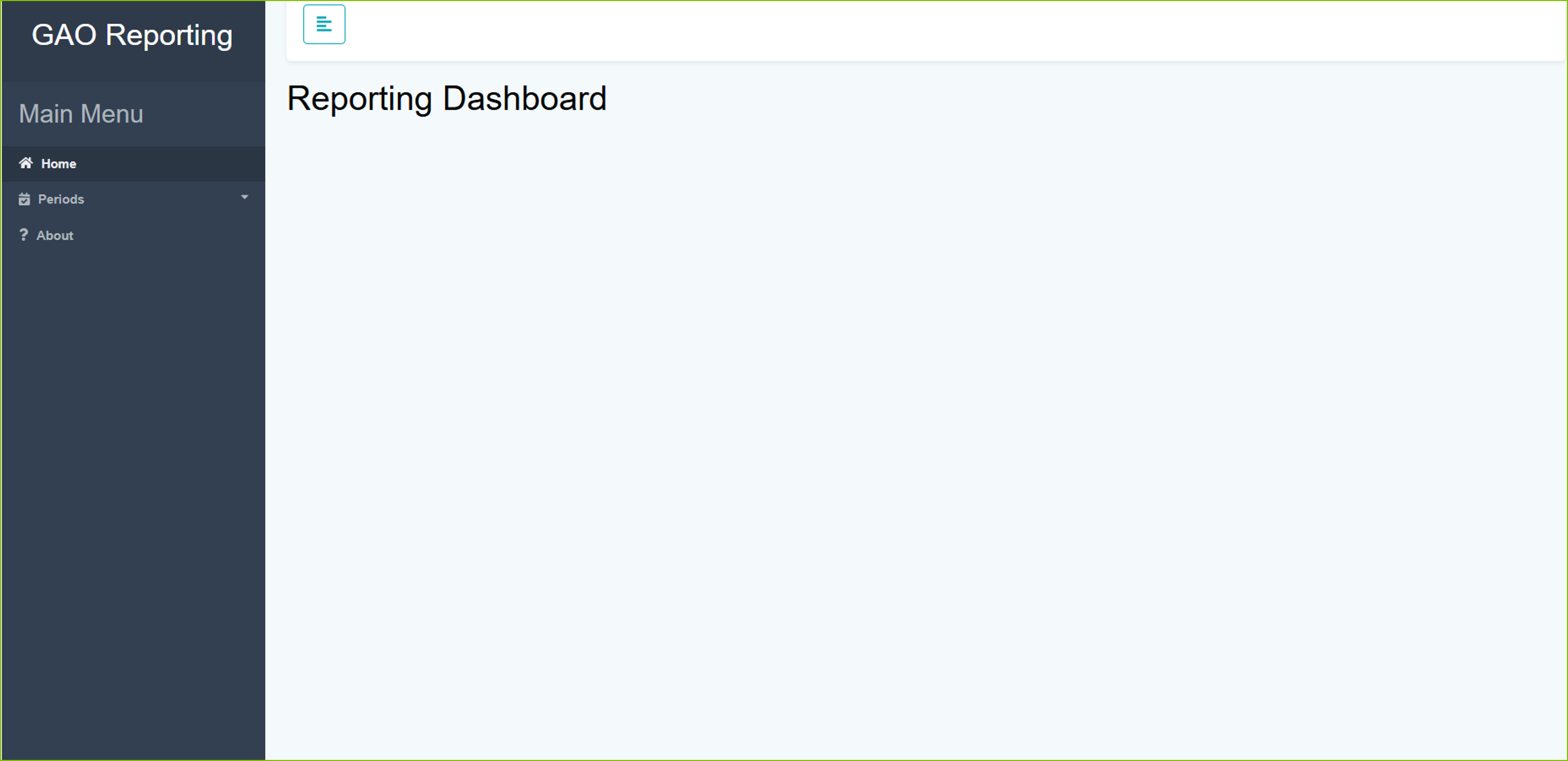
Users sometimes receive a browser pop-up security error message that there is an issue with the security certificate for the page. In some browsers you can click to bypass the error message to continue, and in some cases you are stuck. This can block users from getting to Live Support.
It has been requested to have the user confirm if he or she is using VDI (Virtual Desktop Infrastructure) and Google Chrome or Microsoft Edge. If YES, we can have the user try the following:
Option 1: Switch to Firefox
Option 2: Clear Cache, log completely out of browser, and retry.
REPORING DASHBOARD - PERIOD SUMMARY & PERIOD DETAILS
Please note, if the user continues to experience issues while trying these options but needs access to the Reporting Dashboard, you may offer to download and provide the PDFs that are available. To do so, you will need to proxy into the user’s account.
| Standard Response: |
Would you be able to confirm if the user is using VDI (Virtual Desktop Infrastructure)?
