| Support Category: LMS Navigation |
| Specialist Notes: |
Kindly provide users with the following instructions to launch “Percipio” courses.
Please ensure to check the training details to verify that the provider is “Percipio-US” before providing these instructions.
| Standard Response: |
To launch Percipio courses, kindly navigate to your transcript; to do so, hover over the Learning tab and select ‘View Your Transcript’. Then, locate the training and click the ‘Launch’ button.
Typically, these courses launch in a new tab.
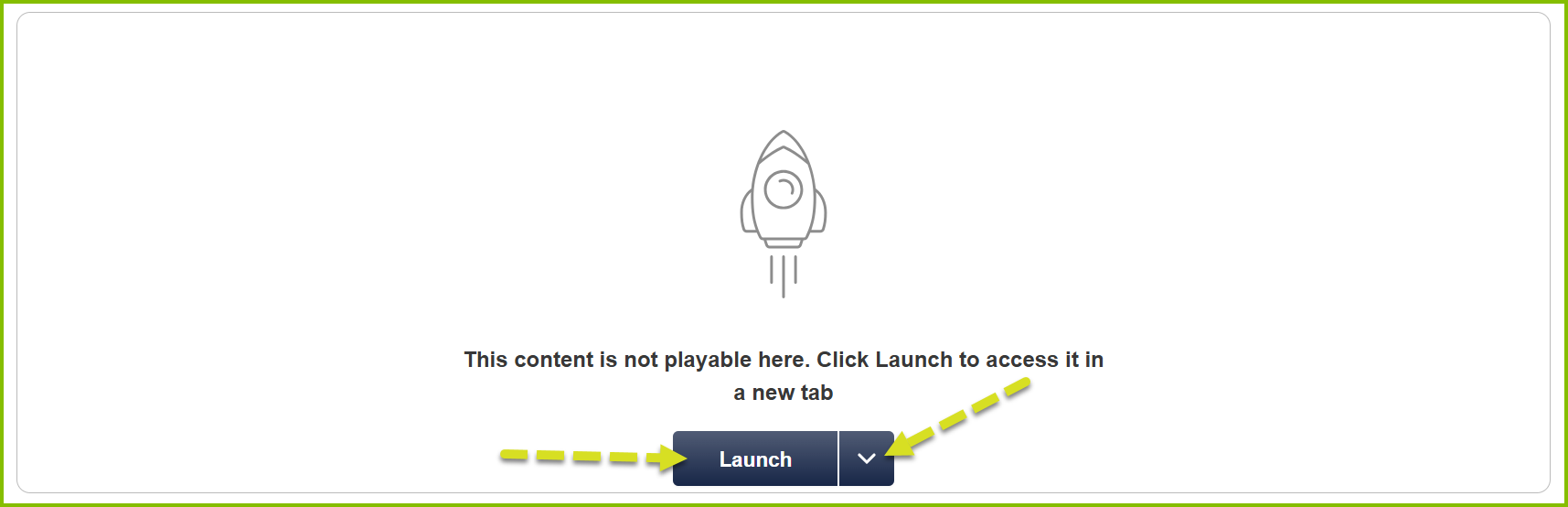
1. You may receive a message stating “This content is not playable here. Click Launch to access it in a new tab”.
2. If there is no launch button, click the downward-facing arrow to check if ‘Launch’ is available in the menu.